Erogen Premium
Managing Your Erogen Premium Membership
This guide is for existing subscribers who need to link their payment provider account to Erogen or troubleshoot their Premium membership.
Link Your Account to Erogen
After subscribing, visit this link to connect your payment provider account to Erogen. This will update your membership.
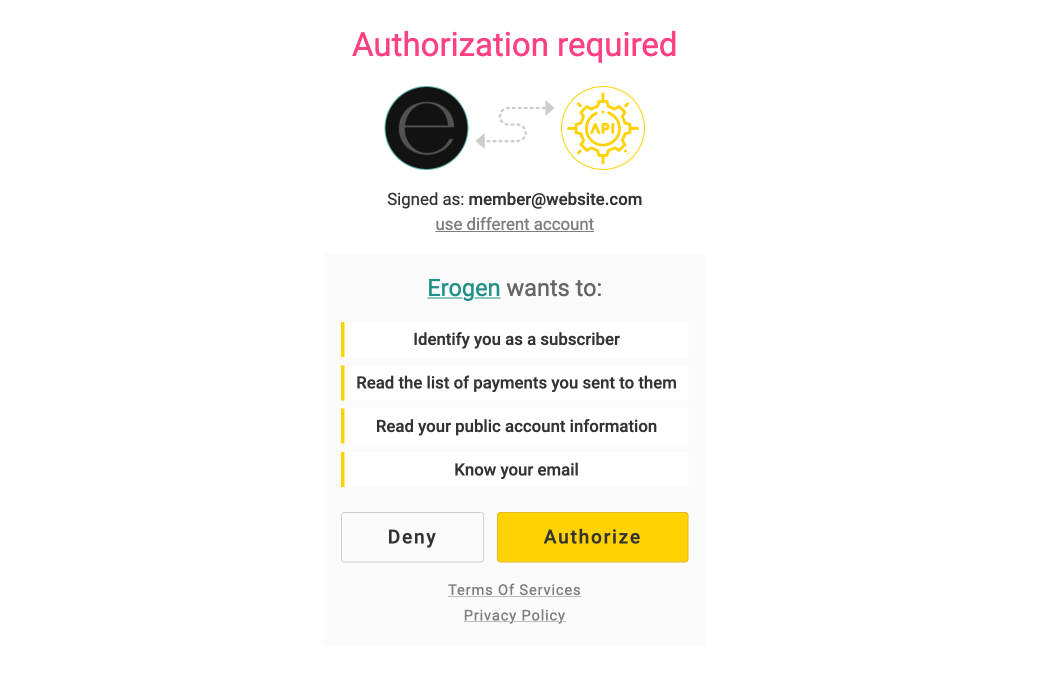
Success!
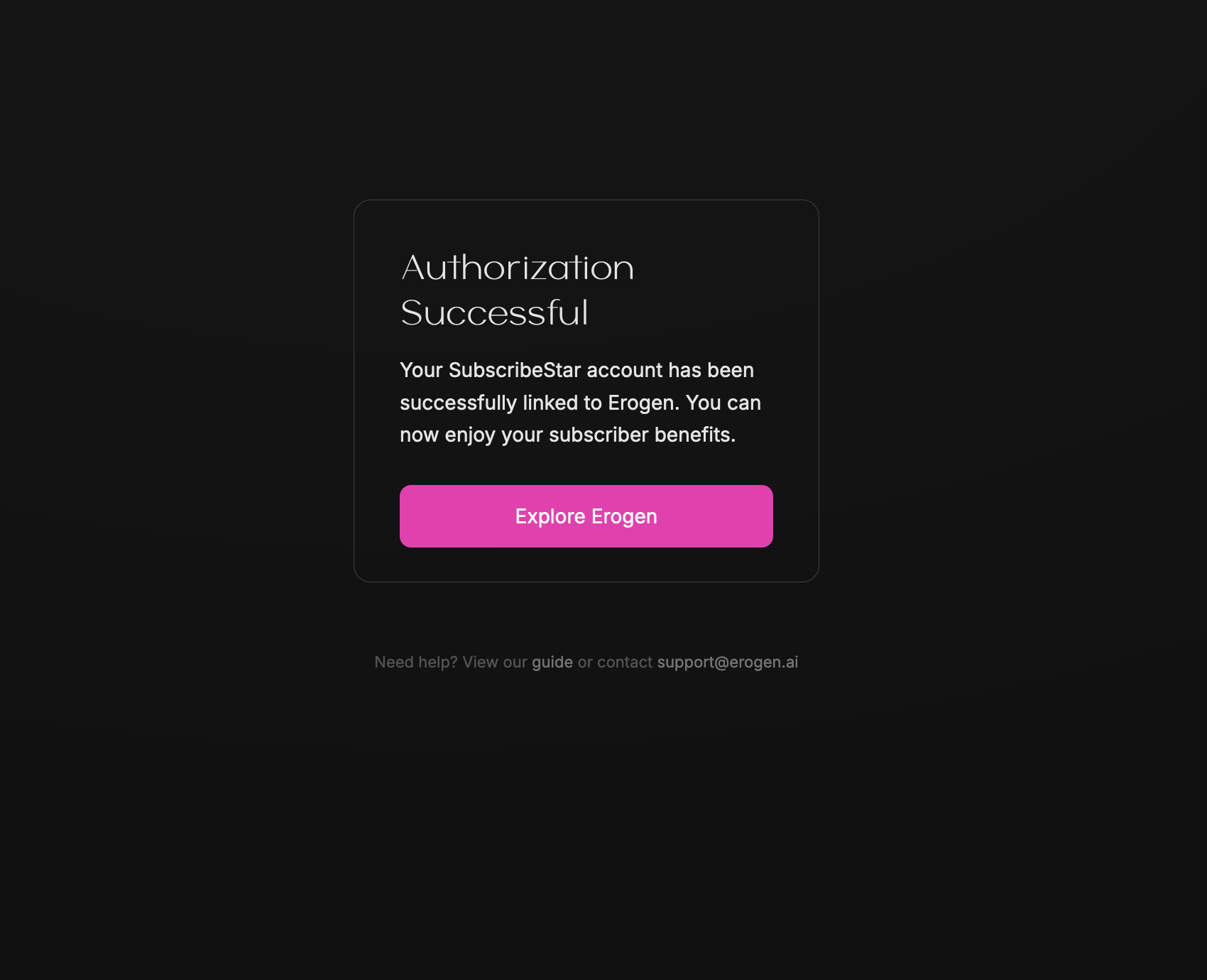
If everything connects successfully, you should be shown a screen like this in Erogen, and your Erogen membership will have been successfully updated. Enjoy!
As long as you maintain your subscription, you shouldn't have to do anything else. If you unsubscribe and re-subscribe, you may have to go through these steps again.
I experienced an error
If you experience an error, check to see that your payment succeeded and try linking your account again.
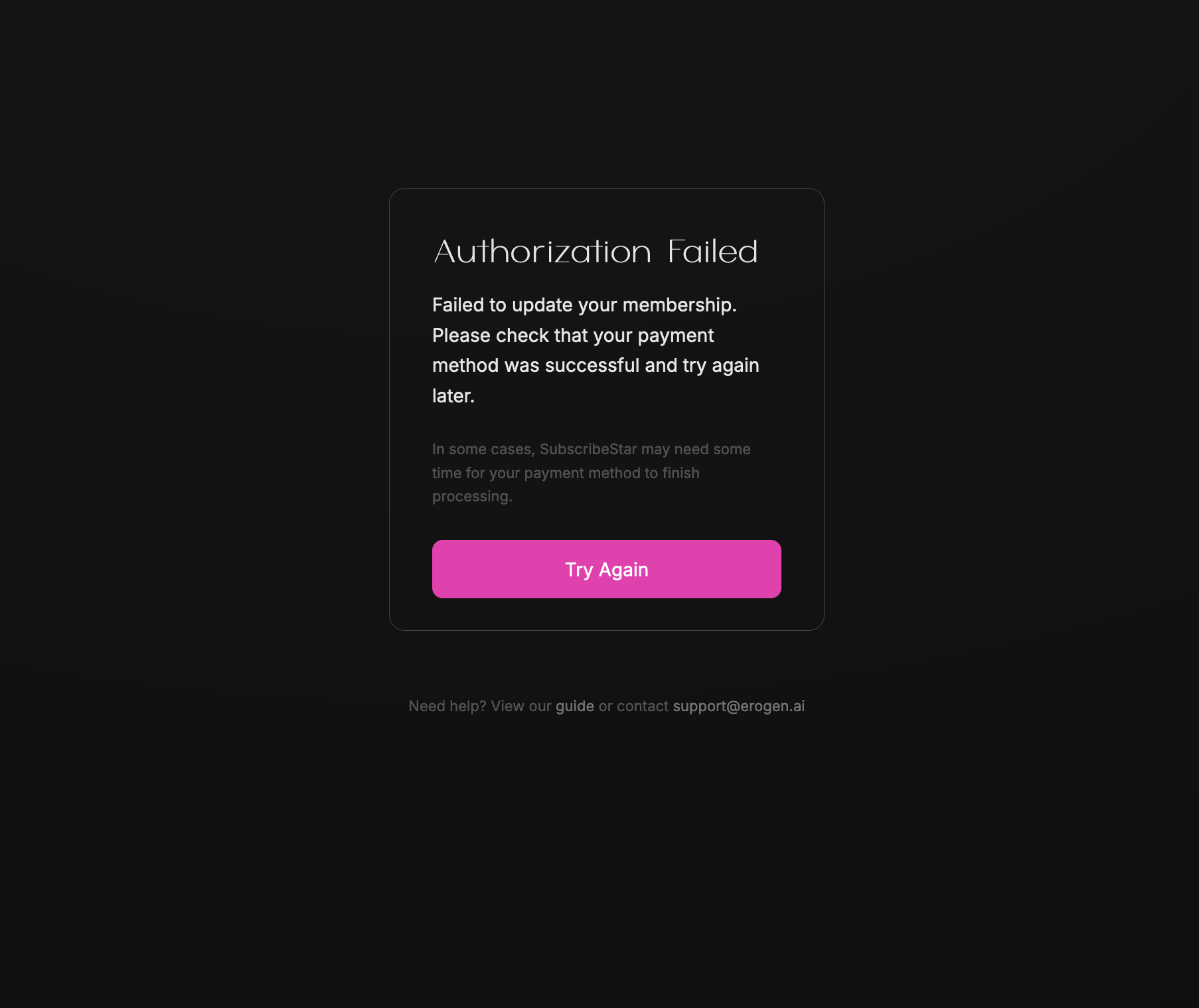
If you still can't get it working after a few tries, email us at support@erogen.ai and we'll help you out immediately.
Unsubscribing
To unsubscribe, visit your payment provider's platform and cancel your subscription, or manage it from your account settings.